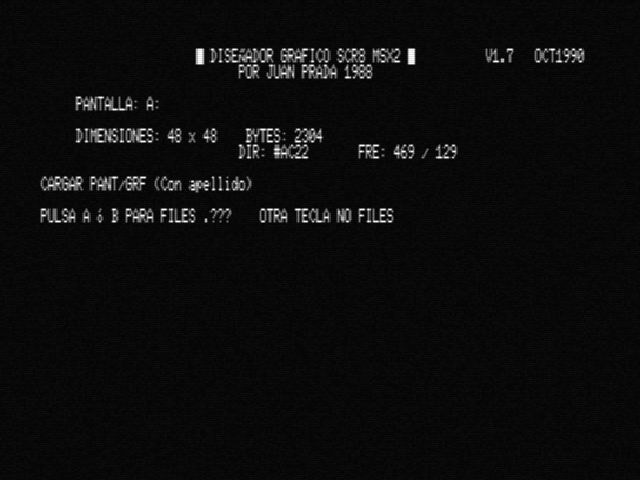
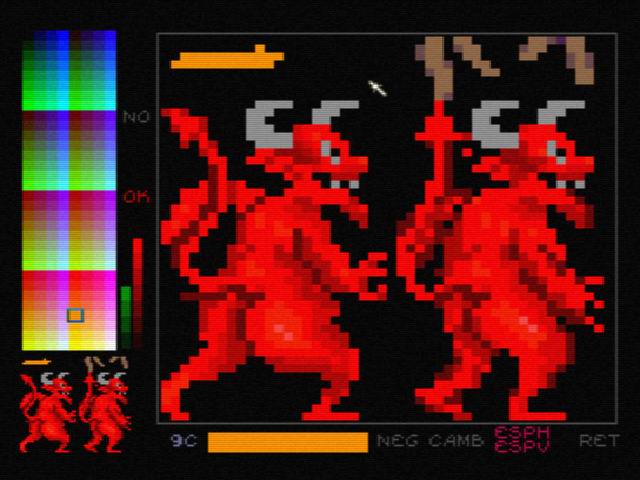
Basic and machine code made program. It can capture and make bitmaps in SCREEN 8 mode, with new features.
Follow the instructions on the screen (in spanish, sorry).
Left button: Paint and select command. (Press buttons) Rigth button: Select color.
The method is it load a screen (a pic), then pick a part of it, edit it and then put the part again in the screen. Then you can save the screen.
This was the way I used to compose the SCREEN8 hidden PAGE 2 to pick sprites from.
To clear memory, the BASIC command is: Clear 200, &hDE79








 24061
24061 
 Feb 26, 2006